
Coursework
Move from reading material to a clearer, review-ready academic draft.
ACADEMIC RESEARCH AND WRITING
Rewrite academic passages for clarity and flow while preserving the original meaning, terminology, and citations in view.
The source and generated draft stay together so you can compare, verify, and refine the result without losing context.
FROM SOURCE TO REVIEWED DRAFT
Paste the material or attach a supported document.
Choose only the options that change the result you need.
Compare the output with the source, then copy or regenerate it.
ONE FOCUSED WORKSPACE
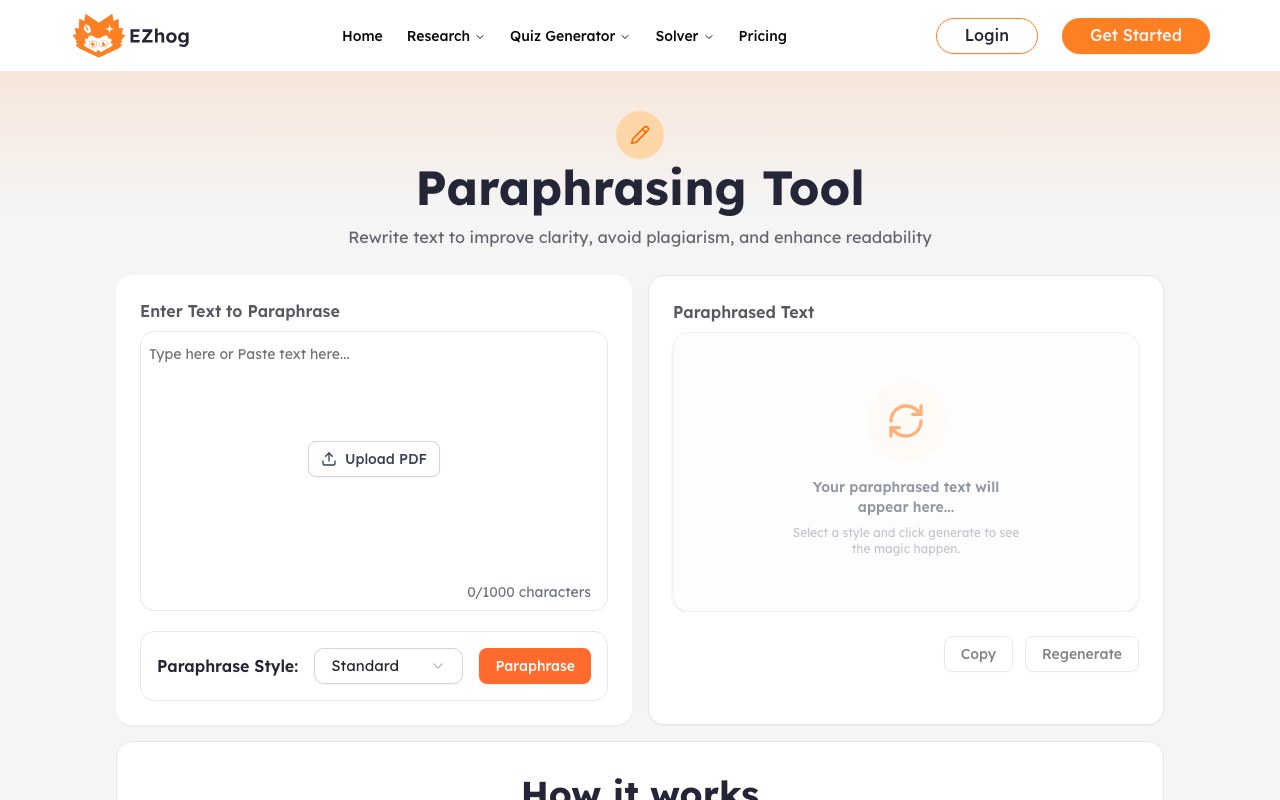
The two-panel workflow keeps your original context visible while you review the generated result, selected settings, and quality checks.
USE IT WHERE CLARITY MATTERS
Move from reading material to a clearer, review-ready academic draft.
Shape questions, titles, summaries, and sections around a defined topic.
Prepare reports and structured documents with a consistent tone.
Improve clarity and readability while keeping the final judgment yours.
START WITH WHAT YOU ALREADY HAVE
USE AI OUTPUT RESPONSIBLY
Verify facts, citations, quotations, calculations, and institutional requirements. Do not submit confidential research data or personally identifiable information to a public AI tool.
COMMON QUESTIONS
It is designed to keep the central meaning and named citations visible, but you must compare the rewrite with the source and verify every reference.
Yes. Keep the source in place, adjust the relevant settings, and generate another version until the structure is useful.
Yes. AI output can be incomplete or incorrect. Check every important claim, quotation, citation, and reference before use.
Yes. The source, controls, and output stack into a touch-friendly mobile workflow without hiding the core task.
No. Avoid passwords, confidential records, unpublished sensitive findings, and personal data unless your organization has approved that use.