
Homework review
Compare your own work with an ordered explanation after attempting the question.
STEP-BY-STEP SUBJECT SOLVER
Work through physical and human geography questions using processes, places, scales, and evidence.
The question, reasoning, final answer, and verification stay in one focused workspace.
FROM PROBLEM TO PROOF
Type it directly or attach a readable image or PDF.
Review the geography method in a clear, ordered explanation.
Check the final answer, assumptions, and source requirements.
ONE FOCUSED WORKSPACE
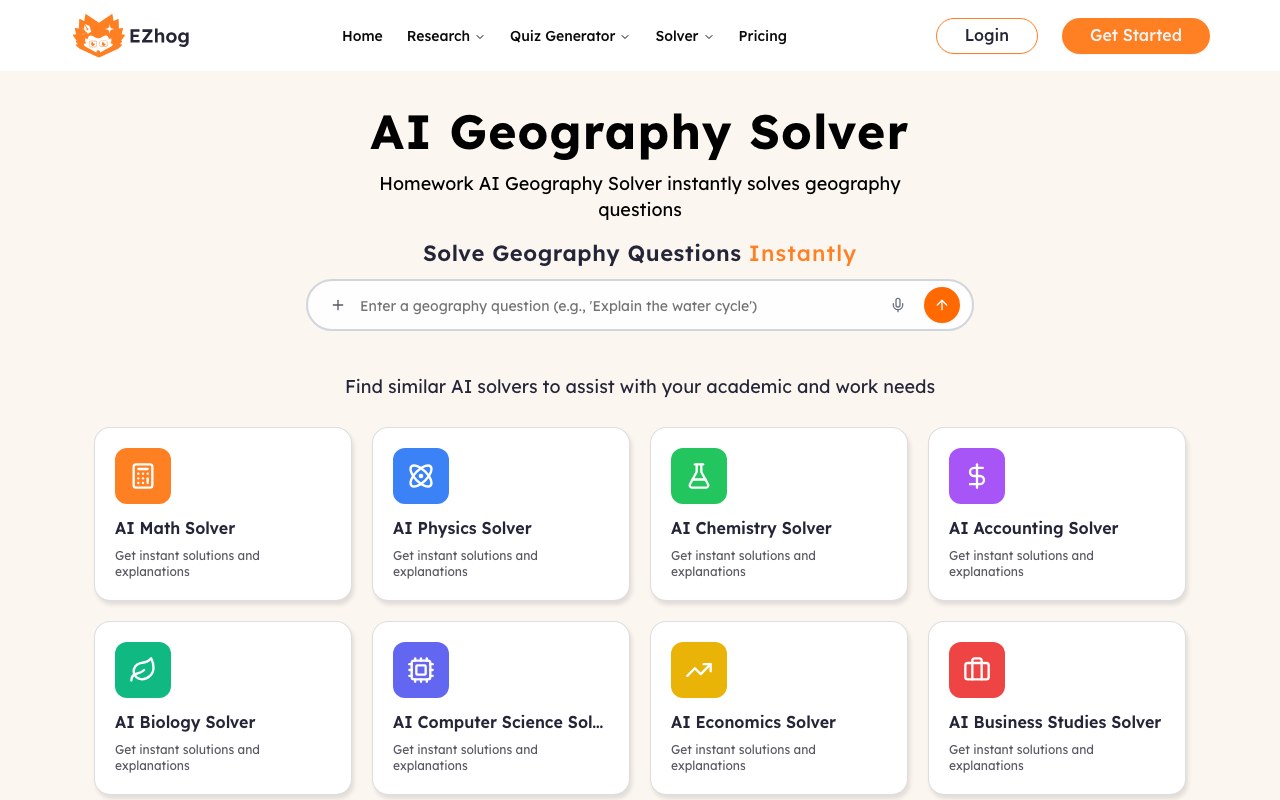
The workspace is designed for review: your original question remains visible beside the explanation, working steps, final answer, and verification notes.
USE IT WHERE CLARITY MATTERS
Compare your own work with an ordered explanation after attempting the question.
Work through representative geography questions and inspect the method.
Ask for an explanation when a term, event, formula, or framework is unclear.
Revisit subject knowledge before a report, meeting, or practical task.
START WITH WHAT YOU ALREADY HAVE
USE AI OUTPUT RESPONSIBLY
Check formulas, units, dates, claims, assumptions, and source requirements. For graded, financial, legal, medical, or safety-critical work, verify the result with an instructor or qualified professional.
COMMON QUESTIONS
It can outline a method, explain concepts, and prepare a step-by-step response to common geography questions.
Yes. Attach a clear image, screenshot, text file, or PDF. Make sure the complete question is readable.
No AI system is always correct. Check the reasoning, assumptions, units, references, and final conclusion before relying on it.
Yes. The input and output stack on small screens, and the result remains scrollable and expandable.
The prototype preserves the current guest workspace locally and exposes the handoff event needed to attach it to an authenticated account.