
Learn how people work, decide, and experience friction.
STRUCTURED QUESTIONS, HUMAN CONTEXT
Online Questionnaire Maker
Turn a research goal into a clear sequence of questions people can answer with confidence.
No account to start Mixed question formats Live sequence preview
ASK WITH PURPOSE
Keep the research goal visible in every question.
Combine structured choices and open answers without making the respondent experience feel like a spreadsheet.A FASTER FIRST DRAFT
Start the research objective, not another setup project.
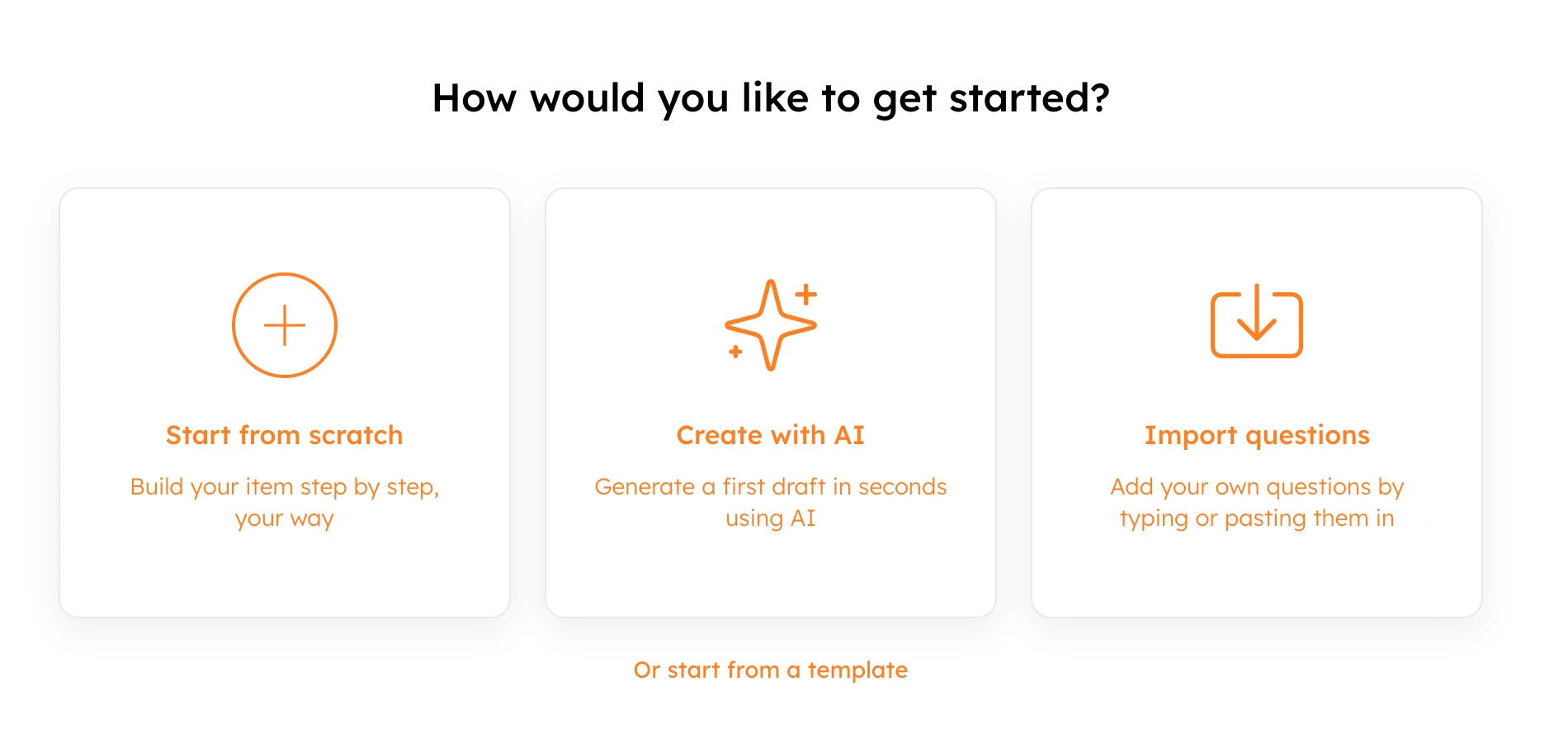
Choose how you want to begin. Start from scratch, ask AI for a useful first draft, import existing content, or select an intent-ready template. Every route opens the same editable questionnaire workspace.
- Start from scratch for complete control
- Use AI to explore a stronger first version
- Import existing questions without rebuilding them
ONE FLEXIBLE WORKSPACE
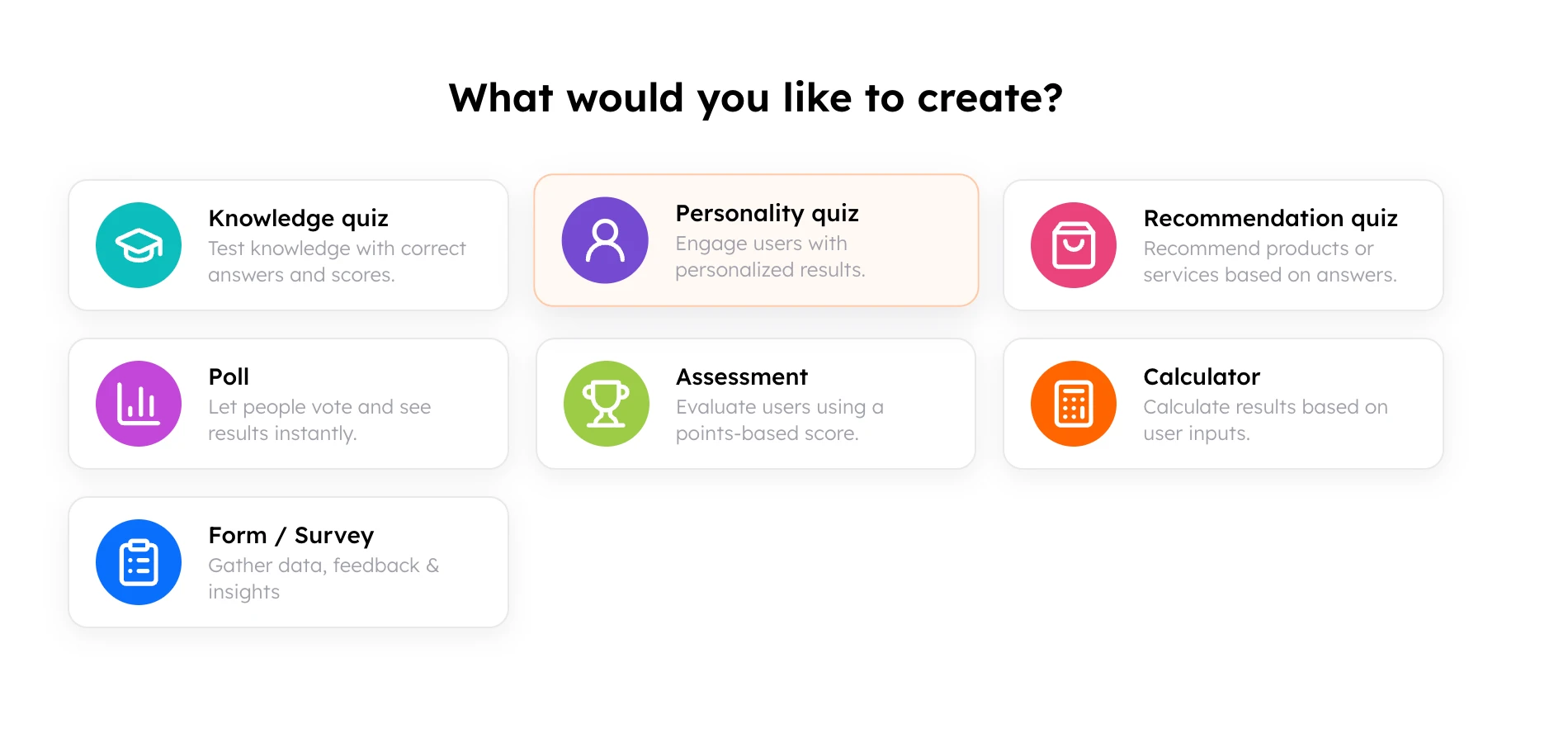
Move from broad context to useful detail in a natural order.
Use the same content, design, logic, preview, and publishing controls your team already understands. The questionnaire stays editable from the first block through the final response experience.
- Add and reorder fields from one outline
- Keep design and response controls together
- Preview each change before publishing
DESIGNED FOR PARTICIPATION
Make thoughtful questions feel approachable.
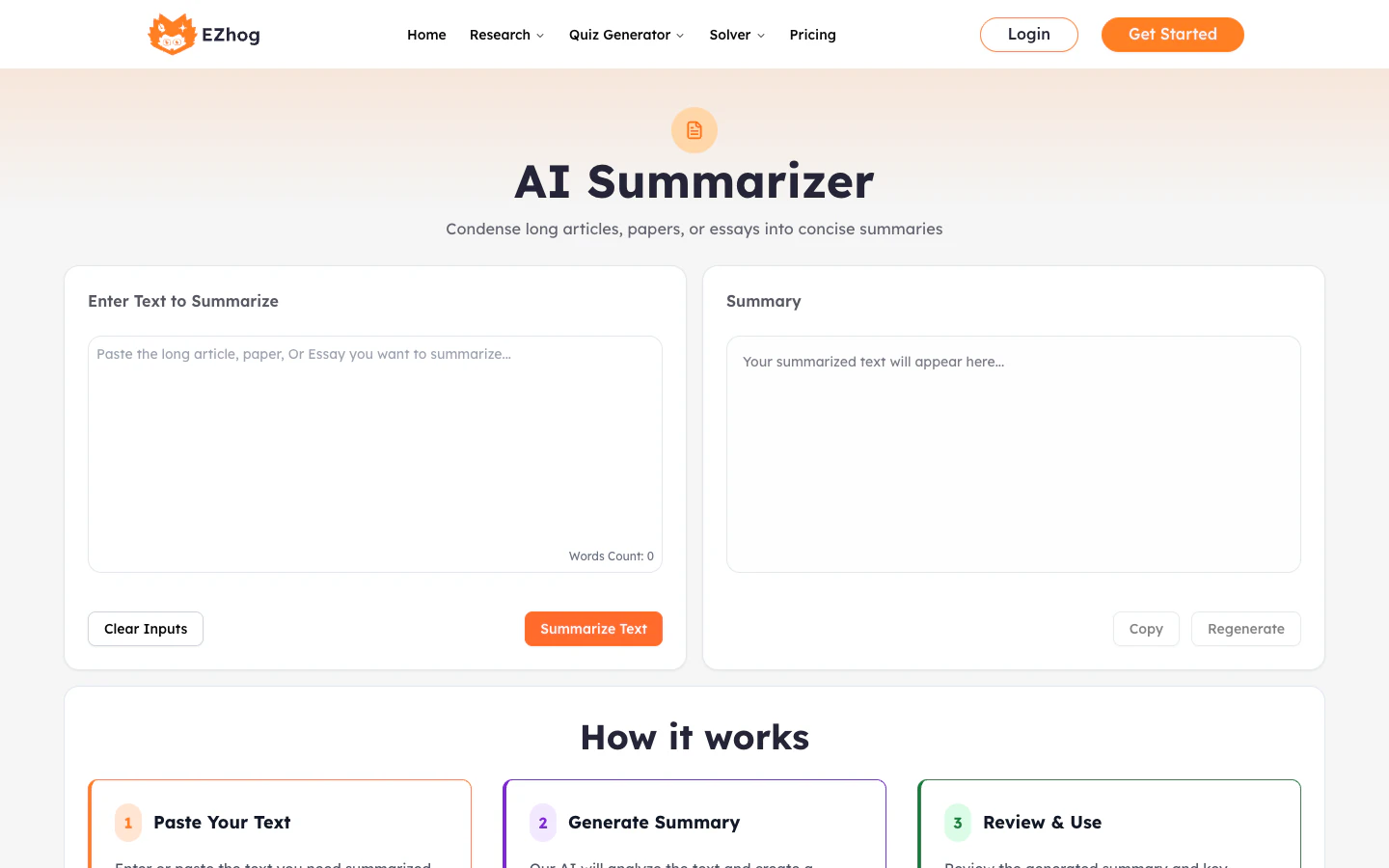
Keep every screen focused on the next useful answer. Clear wording, responsive layouts, and a live preview help the questionnaire feel considered on desktop, tablet, and mobile.
- Use clear text, choices, media, and helper copy
- Preview the respondent journey as you build
- Match the experience to your brand
DECISION-READY RESULTS
Keep qualitative context beside the structured signal.
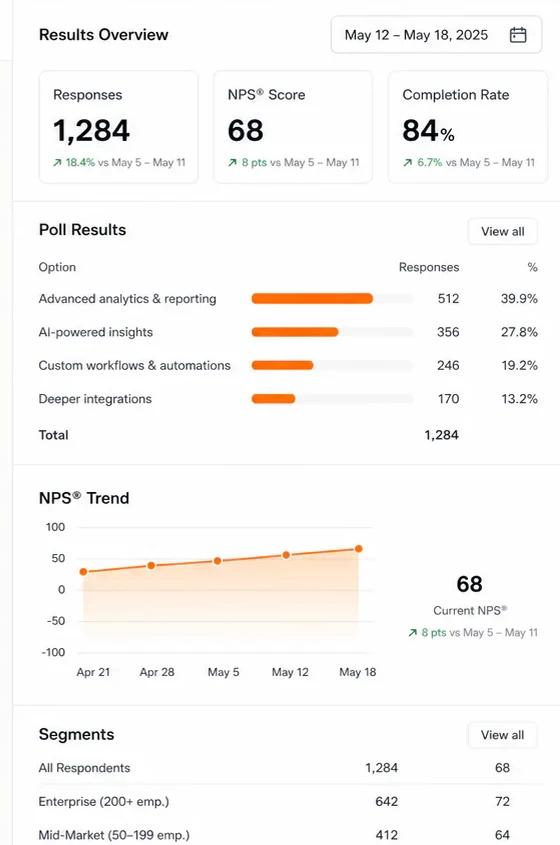
Move from responses to action without exporting a maze of spreadsheets. Review the strongest signals, share the experience, and connect the next workflow when your team is ready.
- Review response and completion signals
- Keep the next action close to the evidence
- Connect results to the systems your team uses
QUESTIONS WITH A CLEAR PURPOSE
Useful for discovery, interviews, research, and review.
Test needs and language before launching.
Keep every conversation comparable.
Collect evidence around outcomes and improvement.
QUESTIONNAIRE FAQ
Practical answers before you publish.
What is an online questionnaire maker?
Online Questionnaire Maker gives teams one place to create the experience, preview it, collect responses, and review the result without rebuilding the workflow in separate tools.
Can I create a questionnaire before signing up?
Yes. Start from scratch, use an AI-assisted draft, import content, or choose a template. EZhog asks you to connect an account only when you save, share, connect, open results, or publish.
Can I customize the questionnaire?
Yes. Edit blocks, answer options, helper text, media, visual settings, and the respondent experience inside the same native workspace.
Will the questionnaire work on mobile devices?
Yes. The public experience and builder controls use responsive layouts designed for desktop, tablet, and mobile screens.
How do I keep the work I create as a guest?
Your draft stays on the device while you build. When you choose a protected action, sign in or create an account in the modal and EZhog continues with the same draft.
KEEP THE CONTEXT